Open the admin panel with /safezones. Only players with server-side permission get in; the server checks before the NUI opens.
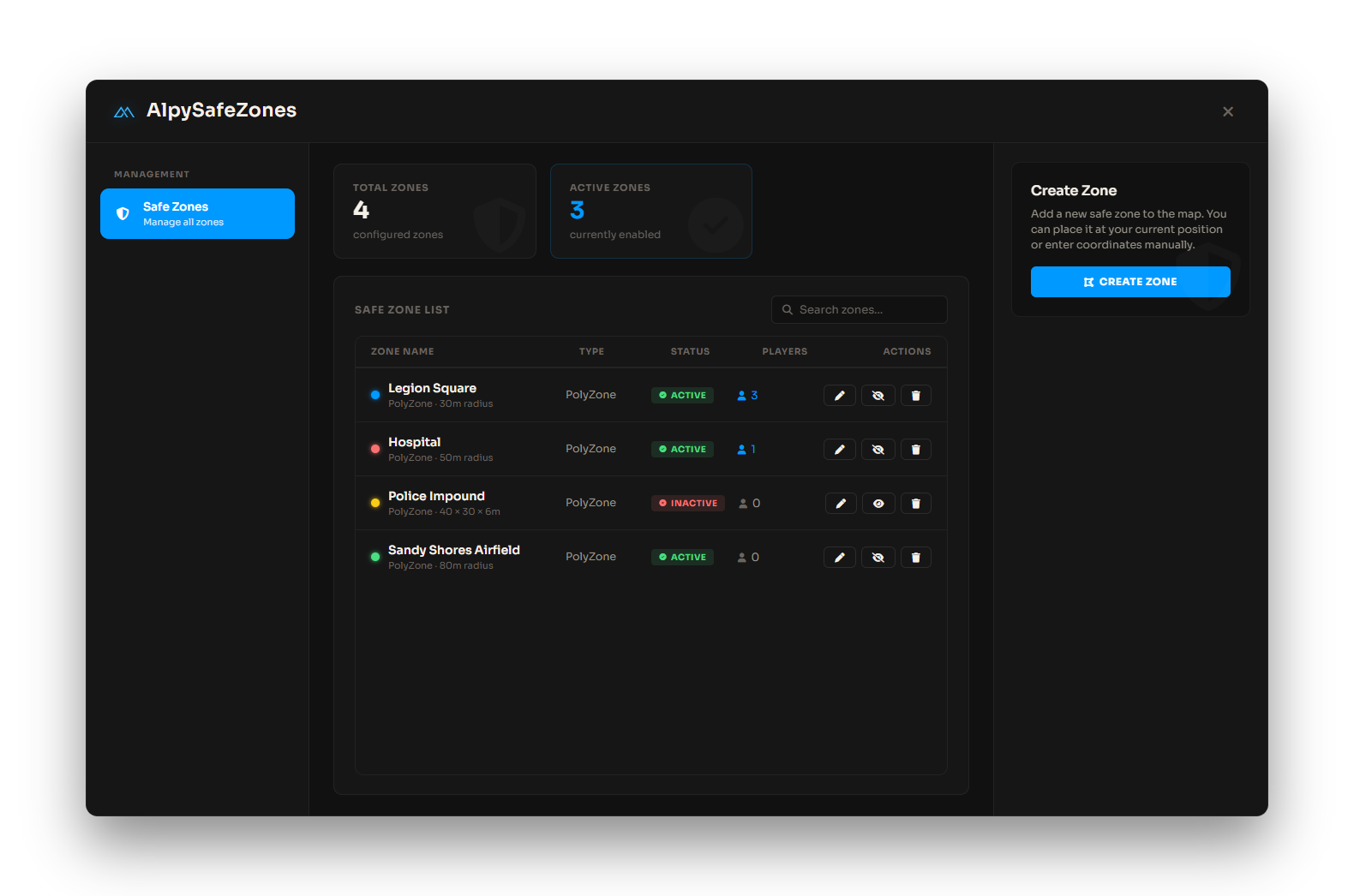
Creating a zone
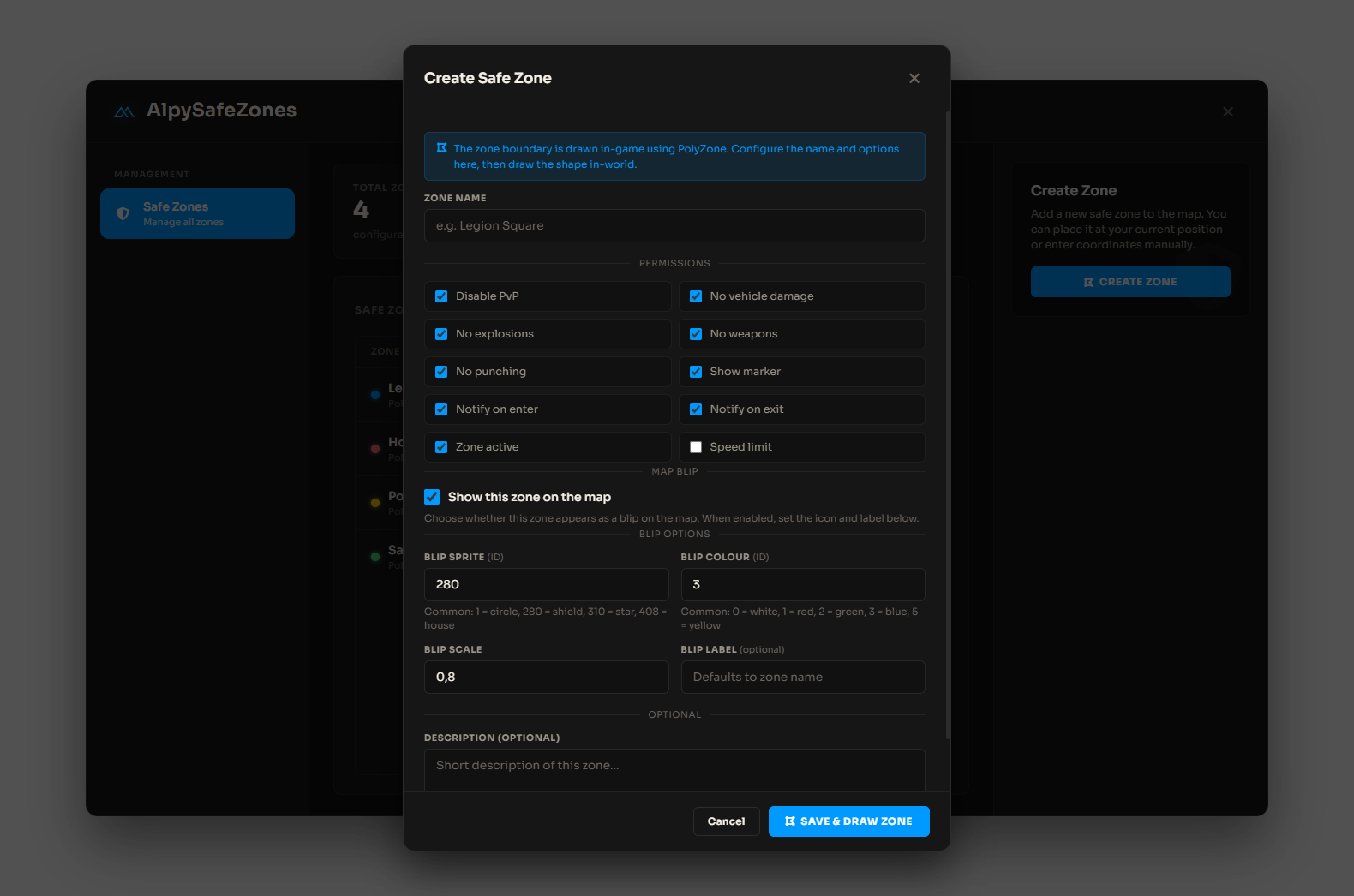
- Click Create Zone and set the zone name, permissions, and blip options.
- Click Save & Draw Zone to enter drawing mode.
- In free cam: WASD move, R/F up/down, Shift fast, Ctrl slow.
- LMB places a point, Backspace undoes, Enter confirms (minimum 3 points, maximum 64).
Per-zone rules
- Disable PvP, vehicle damage, and explosions inside the polygon
- Block weapons and punching
- Optional speed limit with
speedMax - Toggle zone active, ground marker, map blip, and enter/exit notifications
Managing zones
- Edit or delete zones from the list
- Enable/disable zones without deleting them
- Kick a player from a zone (teleports them outside the boundary)
- Delete all zones from the panel when needed
Zone walls
Set
Config.ShowZoneWalls = true to draw saved zone boundaries in the world for debugging. Walls always show while placing points during creation.