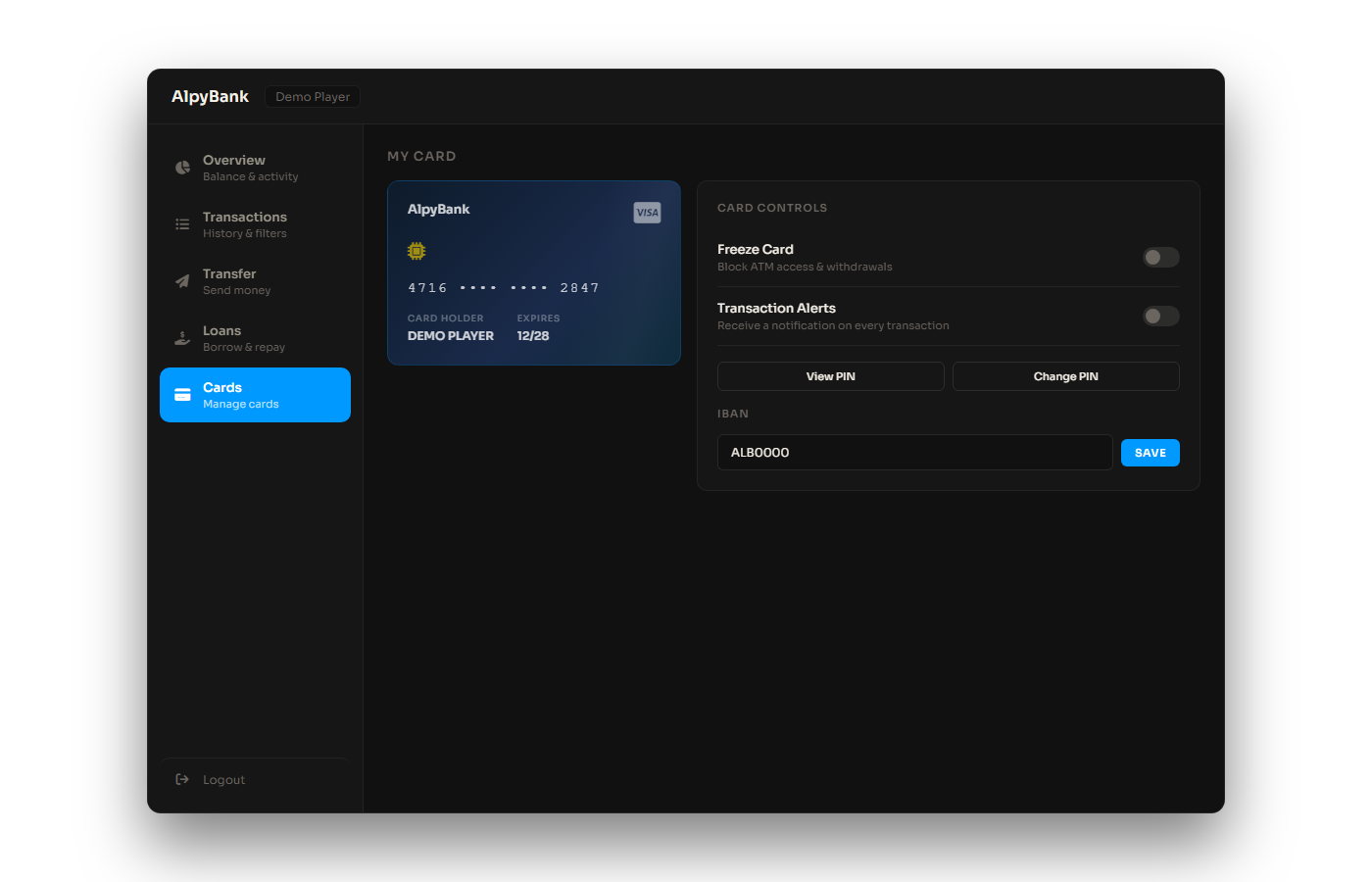
Players manage cards from the Cards tab in the UI. You can also require a physical alpy_card item in inventory before ATMs work.
Physical card item (optional)
Config.RequiredCard = false   -- true = ATM requires card item
Config.CardItem     = 'alpy_card'
Config.OrderCard    = false   -- true = players can order card from UI
Installation snippets for each inventory system are in AlpyBanking/INSTALL/:
INSTALL/ox_inventory/items.luaINSTALL/qs-inventory/items.luaINSTALL/tgiann-inventory/items.lua
Bank branches vs ATMs
Branches always work without the card item. Only ATMs check for
Config.CardItem when Config.RequiredCard = true.Card actions
- Freeze / unfreeze card
- Toggle online payments and transaction alerts
- Change card PIN (separate from account login PIN)
- Order physical card from UI when
Config.OrderCard = true