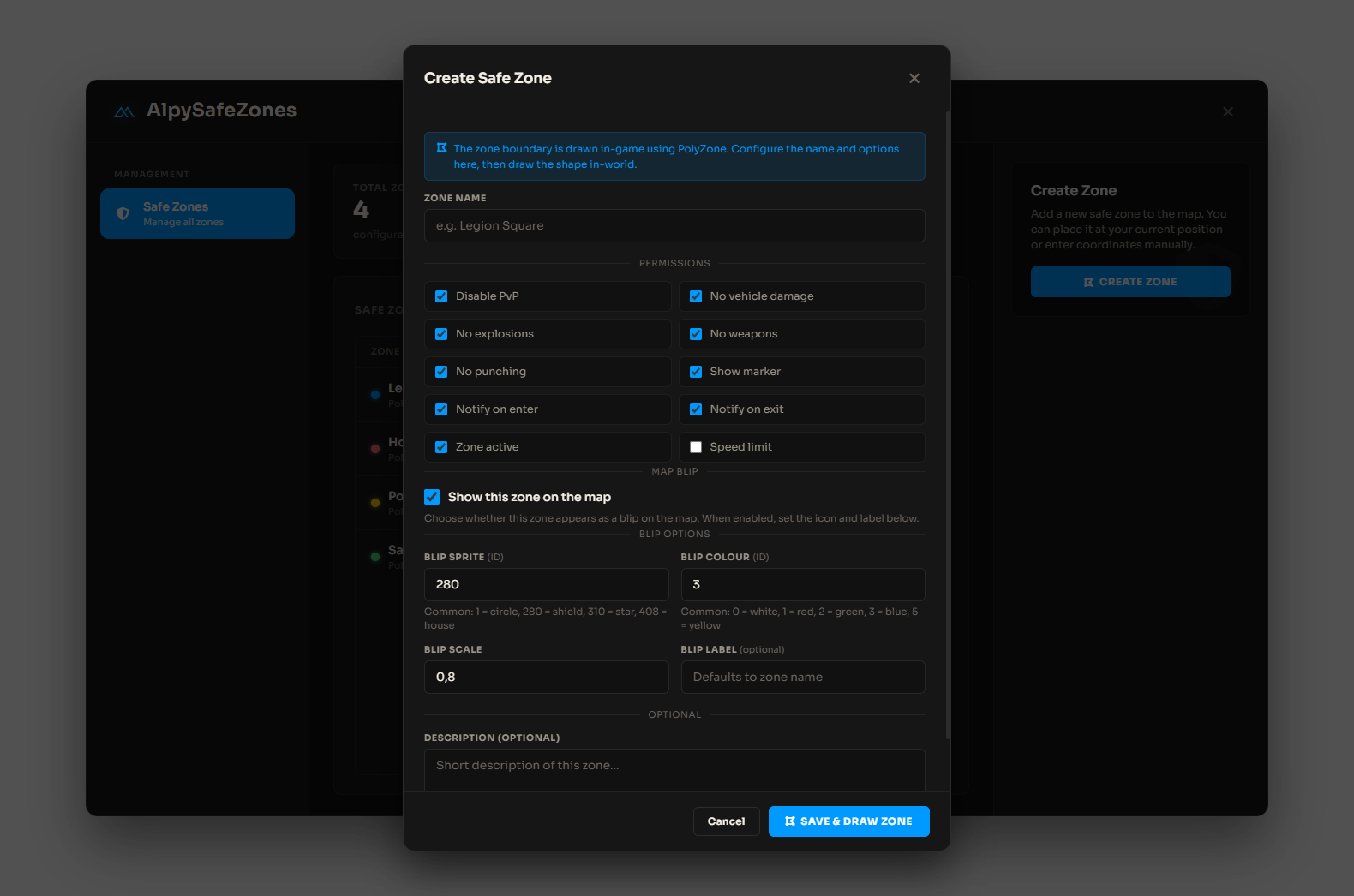
Copy the resource
Place
AlpySafeZonesin yourresources/folder. The ensure name inserver.cfgmust match the folder name.Ensure dependencies
ensure ox_lib ensure oxmysql ensure PolyZone # optional ensure AlpySafeZonesINSTALL.sqlis included for reference; the resource also creates the table on first start whenServerConfig.UseDatabase = true.Set admin permissions
Add your staff groups to
ServerConfig.AllowedGroupsinserver/server.config.lua, or use Ace:add_ace group.admin safezones.admin allow add_principal identifier.steam:XXXX group.adminOpen the panel in-game
Restart the resource, then run
/safezones(or your custom command fromConfig.OpenCommand).